Ash Davies
Founder of Books.by · Helped 50,000+ authors self-publish since 2014
Lulu costs nothing to use but you do everything yourself. BookBaby bundles services for $399-$1,999+. Two completely different approaches — here's which makes sense for your book and budget.
| Feature | Lulu | BookBaby | Books.by |
|---|---|---|---|
| Business Model | Free self-service | Paid packages | Flat annual subscription |
| Upfront Cost | $0 | $399–$1,999+ | $99/year (unlimited) |
| Cover Design | DIY or hire separately | ✓ Included in packages | Cover Builder included |
| Formatting | DIY (templates available) | ✓ Included in packages | DIY (templates available) |
| ISBN | ✓ Free (Lulu-imprinted) | ✓ Included | ✓ Free (unrestricted) |
| Royalty (Direct) | 80% minus print | 100% minus print | 100% minus print + processing |
| Typical Royalty* | $5.99 | $4.50 | $9.60 |
| Payout Speed | Monthly | Monthly | Daily |
| Direct Sales | ✓ Lulu Bookstore | ✗ Distribution only | ✓ Your branded store |
| Hardcover Options | ✓ Casewrap + dust jacket | ✓ Standard options | ✓ |
| Specialty Products | ✓ Photo books, calendars | ✗ | ✗ |
| Customer Data | ✓ Direct sales only | ✗ Anonymous | ✓ Full details |
| Global Distribution | ✓ Amazon, B&N, libraries | ✓ Amazon, B&N, Ingram | ✗ Direct only |
| Best For | DIY authors on a budget | Authors who want hand-holding | Authors with their own audience |
*Based on a 200-page B&W paperback at $19.99 retail. Lulu assumes direct sale; BookBaby assumes retail distribution.
This comparison is really about how much you want to spend upfront vs how much you want to learn.
Lulu is genuinely free. No setup fees, no monthly fees, no per-title charges. You upload your print-ready files, set your pricing, and start selling. The catch? You need to create (or pay someone to create) your own book cover, interior formatting, and decide on ISBNs yourself. Lulu assumes you're a capable adult who can figure things out.
BookBaby charges $399-$1,999+ for packages that bundle cover design, formatting, ISBN, and distribution together. They position this as "full-service publishing" — but it's really just outsourcing basic tasks at a premium. The cover design is often templated. The formatting is straightforward. You're paying for convenience, not quality.
Here's the math that matters: a freelance cover designer costs $200-400. Professional interior formatting costs $50-150. An ISBN costs $125 (or is free from Lulu). Total: $375-675 for better-quality work than BookBaby's bundled services. And then you can publish for free through Lulu.
Let's break down the math on a $19.99 paperback (200 pages, black & white, 6"×9").
Despite BookBaby advertising "100% royalties," their higher print costs and wholesale distribution model mean you often earn less per book than with Lulu's free platform. And you've paid $399-$1,999 upfront for the privilege.
To break even on BookBaby's cheapest $399 package vs using Lulu for free, you'd need to sell roughly 270 books. Most self-published books never reach that number.
For most authors, Lulu beats BookBaby. The money you save on BookBaby's packages ($399-$1,999) is better spent on a professional editor and a quality cover designer. Use Lulu for printing and distribution, Amazon KDP for Amazon sales, and a direct sales platform like Books.by for your own traffic.
BookBaby claims you keep 100% of royalties, but their print costs are higher than Lulu's. After print cost deduction, you often net less per book. Plus, their distribution goes through wholesale channels where you're giving up 55% to retailers anyway. "100% royalties" sounds great until you do the math.
Lulu offers direct sales through their Bookstore — great for royalties, but almost no one discovers books there. It's useful for sending your own traffic to, but don't expect organic sales. The same applies to BookBaby's distribution: being "available" in stores doesn't mean stores will stock you.
Both Lulu and BookBaby are passive platforms. They don't market your book. They don't recommend you to readers. They don't help you build an email list. The authors who succeed with either platform are the ones who drive their own demand — and for those authors, keeping 100% on a direct sales platform makes far more sense than giving 20-55% to middlemen.
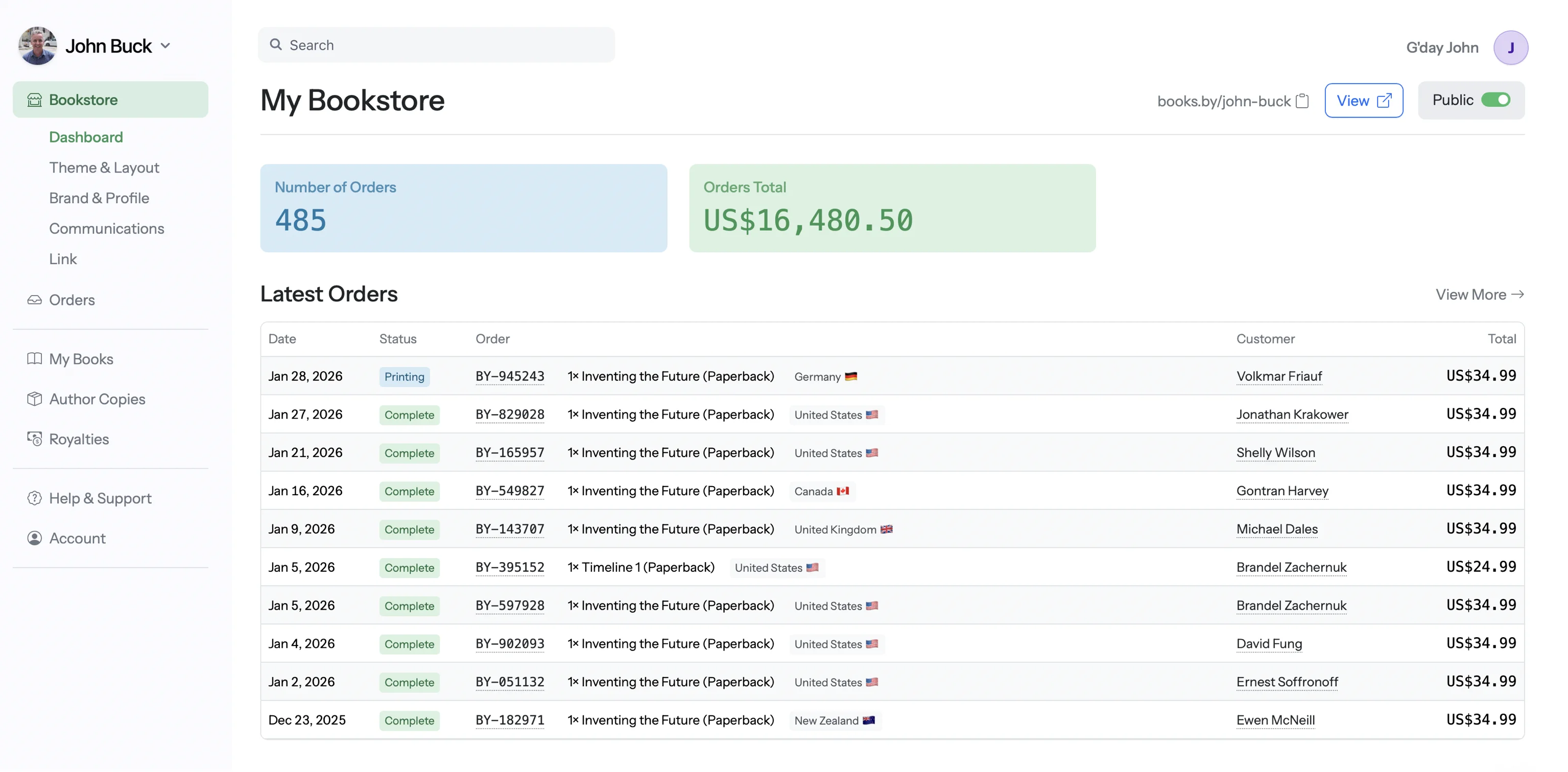
The smarter path for authors with an audience
If you have an email list, social following, podcast, or any other traffic source — send that traffic to your own store. Books.by gives you 100% royalties, daily payouts, and customer email addresses with every order. Use Lulu or KDP for retail distribution. Use Books.by for everyone who already knows your name.
Lulu and BookBaby both produce professional-quality books. Lulu offers more paper weight options and specialty finishes. BookBaby's quality is solid but less customizable. For standard paperbacks, you won't notice a meaningful difference. For premium projects, Lulu's flexibility gives an edge.
Lulu wins. Square formats, photo books, calendars, magazines, notebooks — Lulu handles specialty products that BookBaby doesn't touch. For a standard novel, both work fine. For anything visual or non-standard, Lulu is the only choice.
Both distribute to Amazon, Barnes & Noble, and the Ingram network. BookBaby emphasizes their distribution as a selling point, but Lulu's Global Reach program offers similar access. Neither guarantees bookstore placement — that depends on demand you generate yourself.
BookBaby has better support — it's part of what you're paying for. Lulu's self-service model means you're largely on your own, though their help documentation is comprehensive. If you need handholding, BookBaby delivers. If you're self-sufficient, Lulu works fine.
Yes, Lulu has no setup fees, no monthly fees, and no per-title fees. You only pay when someone buys your book (print cost is deducted from royalties) or when you order author copies. The trade-off is you're responsible for creating your own print-ready files.
For most authors, no. BookBaby packages bundle services like cover design, formatting, and editing — but at premium prices. You can hire freelancers for these services at a fraction of the cost. The packages make sense only if you value convenience over cost and have no interest in learning the process.
Both produce professional-quality books. Lulu offers more paper options and specialty formats (square books, photo books, calendars). BookBaby's standard quality is good for typical paperbacks. For most novels and non-fiction, the difference is negligible.
Lulu typically offers better royalties because their print costs are lower. For direct sales, Lulu gives you 80% minus print cost. BookBaby claims 100% royalties but their print costs are higher, often resulting in similar or lower net earnings. For the best royalties on your own traffic, direct sales platforms like Books.by (100%, lower print costs) beat both.
Technically yes, but there's little reason to. They serve similar distribution channels and would create confusion. Pick one for distribution. If you want BookBaby's editing or design services, hire them separately and distribute through Lulu (or better, through a combination of Amazon KDP and a direct sales platform).
If you want hand-holding and have budget, BookBaby is easier. If you're willing to learn and want to keep costs down, Lulu is better. For most first-time authors, we recommend using free tools (Lulu for print, Amazon KDP for Amazon sales) and investing the savings into professional editing — the one thing that actually matters for your book's success.
Use Lulu for specialty formats. Skip BookBaby's packages. For your own traffic, use Books.by — 100% royalties, daily payouts, customer data.
Start Your Bookstore →