Cookbooks are the most profitable category in self-publishing when done right. They require beautiful photography, careful formatting, quality paper, and colour printing. But the payoff is substantial: cookbooks command higher prices than almost any other genre, and readers who love your recipes become lifelong fans.
Print-on-demand colour printing has changed the economics of cookbook publishing completely. Print-on-demand colour printing, professional design templates, and direct sales platforms mean you don't need a traditional publisher or a $50,000 print run. You can publish a stunning cookbook for $2,000–$5,000 and start selling within weeks.
This guide covers every step — from recipe development and food photography to paper selection, colour printing costs, and the best distribution strategies for cookbook authors.
1. Planning Your Cookbook
Before you write a single recipe, you need a clear concept. The cookbook market is enormous and generic cookbooks from unknown authors don't sell. You need a tight niche.
Finding Your Cookbook Niche
The most successful self-published cookbooks solve a specific problem or serve a specific audience:
How Many Recipes?
The ideal cookbook size depends on your format and audience:
- Mini cookbook / sampler: 20–30 recipes (great as a lead magnet or entry product)
- Standard cookbook: 50–80 recipes (the sweet spot for self-published cookbooks)
- Comprehensive cookbook: 100–150 recipes (commands premium pricing $29.99+)
- Encyclopedia/bible: 200+ recipes (these are reference books and can price at $39.99+)
Testing Your Recipes
Every recipe must be tested at least 3 times by different cooks. This is the step that separates professional cookbooks from amateurish ones:
- You cook it: Refine the method and write the initial recipe.
- A competent home cook tests it: They follow your recipe exactly and report any confusion, missing steps, or inconsistencies.
- A novice cook tests it: They catch assumptions you've made about skill level, equipment, or ingredients.
2. Recipe Formatting
Consistent, clear recipe formatting is the backbone of a good cookbook. Readers should be able to glance at a recipe and instantly understand what they need and what to do.
The Standard Recipe Format
Anatomy of a Well-Formatted Recipe
Every recipe should include these elements in this order
Full-page food photograph
Recipe Writing Best Practices
- List ingredients in order of use. Don't make readers hunt for items mid-recipe.
- Be specific with measurements. "1 medium onion, diced (about 1 cup)" removes guesswork.
- Start each step with a verb: "Heat," "Whisk," "Add," "Bake." Action-first writing is easier to follow while cooking.
- Include visual cues: "Cook until golden brown, about 5–7 minutes" is better than just "Cook for 5 minutes."
- Specify equipment: "In a 10-inch cast iron skillet" or "Using a stand mixer with the paddle attachment."
- Include temperatures in both °F and °C for international readers.
- Add dietary labels: GF (gluten-free), V (vegan), DF (dairy-free). A legend at the front of the book explains the icons.
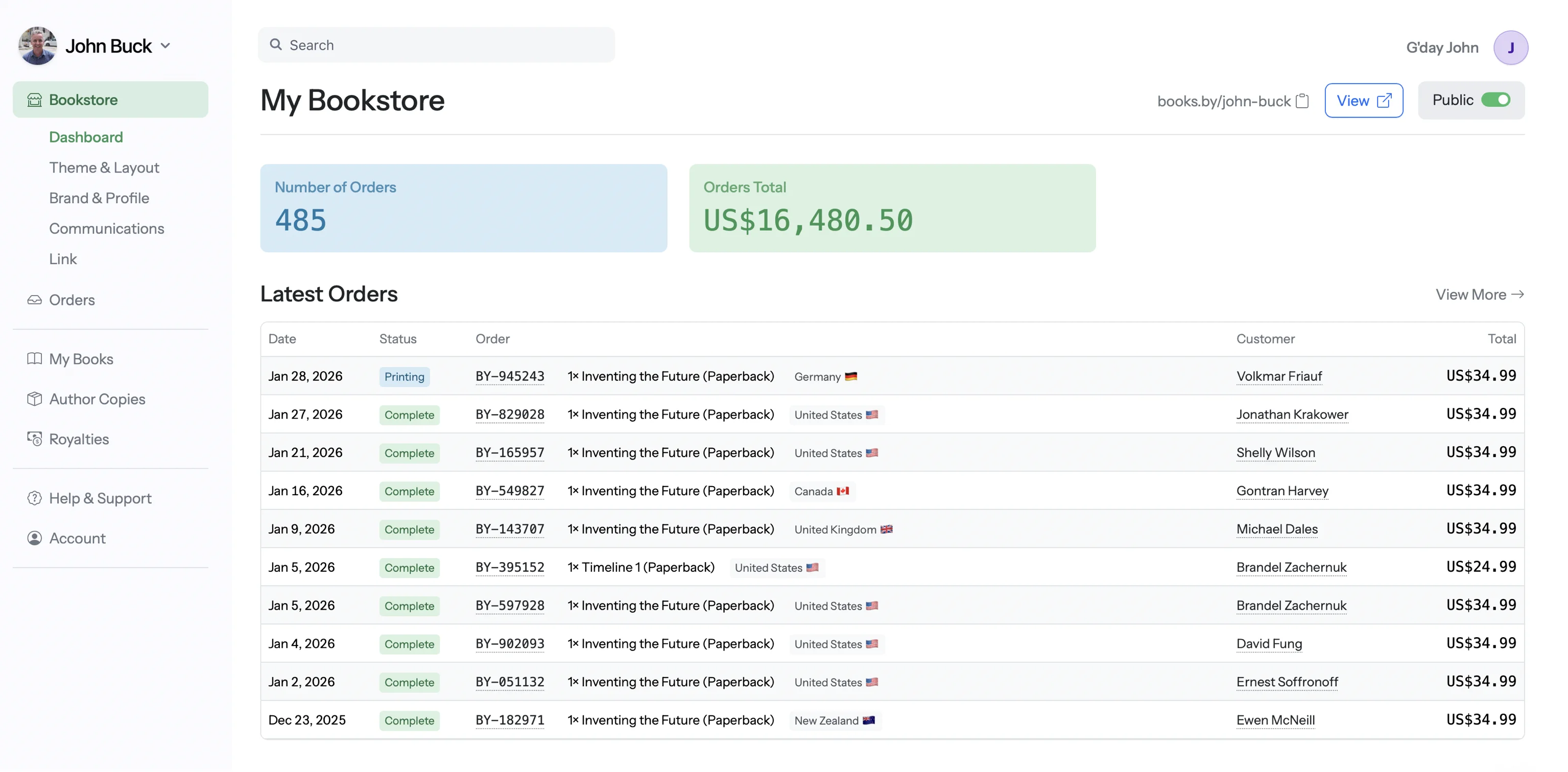
From our team: "Cookbook authors on Books.by earn an average of $17+ per sale on a $29.99 book. The same book on Amazon earns about $5. If you have any audience at all — a food blog, an Instagram following, a cooking class — send them to your Books.by store first." — Ash Davies, Founder
3. Food Photography
Photography sells cookbooks. A stunning cover photo can be the difference between a browser clicking "buy" or scrolling past. Here's how to get professional-looking food photography — with or without a professional photographer.
Professional Photography Costs
| Option | Cost | What You Get | Best For |
|---|---|---|---|
| DIY (smartphone) | $0–$100 | Your own photos with basic props | Budget cookbooks, recipe blogs |
| Semi-pro (styled shoots) | $500–$1,500 | 10–20 styled hero shots | Key recipes + cover photo |
| Full professional | $2,000–$5,000 | 50–80 styled + shot recipes | Premium cookbooks |
| Top-tier food photographer | $5,000–$15,000+ | Full book photography + styling | Gift-quality showcases |
4. Layout & Design
Cookbook layout is fundamentally different from other books. You're designing a visual product, not just typesetting text.
Choosing Your Cookbook Size
| Size | Orientation | Best For | Print Cost Impact |
|---|---|---|---|
| 8 × 10" | Portrait | Standard cookbook size, great photo space | Moderate |
| 8.5 × 11" | Portrait | Maximum space, recipe + photo per spread | Higher |
| 7 × 10" | Portrait | Compact but roomy, lower print cost | Lower |
| 8.5 × 8.5" | Square | Modern, trendy, Instagram-friendly | Moderate |
| 6 × 9" | Portrait | Budget option, text-heavy cookbooks | Lowest |
Design Tools for Cookbook Authors
5. Paper Types & Colour Printing
Paper and ink choice directly affect both quality and cost — and for cookbooks, cost matters more than most authors realize. A 200-page cookbook printed in Premium Color can cost more than double a Standard Color version. Here's what actually matters.
- Colour quality N/A (B&W only)
- Durability ⭐⭐
- Cost per page $0.012
- Best for Text-only books
- Colour quality ⭐⭐⭐⭐
- Durability ⭐⭐⭐
- Cost per page $0.036
- Best for Cookbooks, comics, guides
- Colour quality ⭐⭐⭐⭐⭐
- Durability ⭐⭐⭐⭐⭐
- Cost per page $0.05–$0.07
- Best for Children's books, photo books (<50pg)
- Colour quality ⭐⭐⭐
- Durability ⭐⭐⭐
- Cost per page $0.03
- Best for Text-heavy recipe books
Why Standard Color over Premium for cookbooks?
It comes down to page count and economics. A 200-page cookbook printed in Premium Color costs roughly $10–$14 per copy in printing alone. The same book in Standard Color costs around $8.50. That $2–$6 difference per copy eats directly into your margin — and it compounds with every sale.
Standard Color on white paper still produces vibrant, professional food photography. The difference in print quality between Standard and Premium is noticeable side-by-side, but readers aren't comparing — they're cooking. For the typical cookbook with a 50/50 image-to-text ratio, Standard Color is the right call. Save Premium Color for short-run, image-dominant books like children's picture books where the page count (and therefore cost) stays low.
Colour Printing Costs: POD vs Offset
| Method | Min Order | Per-Unit Cost (200pg) | Setup Cost | Best For |
|---|---|---|---|---|
| POD (Books.by) | 1 copy | $8–$12 | $0 | Starting out, testing, direct sales |
| POD (Amazon KDP) | 1 copy | $9–$14 | $0 | Amazon marketplace visibility |
| POD (IngramSpark) | 1 copy | $10–$15 | $49 setup | Bookstore distribution |
| Short-run offset | 100–500 | $5–$8 | $500–$1,000 | Events, farmer's markets, local sales |
| Full offset | 1,000+ | $3–$5 | $1,500–$3,000 | Proven sellers with steady demand |
6. Binding Options
Binding affects how your cookbook opens, lies flat, and holds up to kitchen use. This matters more for cookbooks than any other book type.
7. Cookbook Cost Estimator
Estimate your per-book production cost and see what you'll earn at different price points.
🍳 Cookbook Cost & Profit Estimator
Adjust your specs to see printing costs and royalties per sale
Print costs are estimates based on POD colour printing. Actual costs may vary by provider. Books.by: $99/yr subscription.
Cookbooks earn more on Books.by
With 100% royalties and cost-effective Standard Color POD, Books.by is built for cookbooks. A $29.99 cookbook earns $17+ per sale on Books.by vs $5 on Amazon. The maths speaks for itself.
Start Your Books.by Store — $99/yr →8. Distribution & Sales Channels
Cookbooks have unique distribution advantages. Cookbook buyers discover new titles through social media, food blogs, cooking classes, and word of mouth — not just Amazon search.
Best Distribution Strategy for Cookbooks
Books.by (Direct Sales)
Your highest-margin channel. With 100% royalties and colour POD, every sale of a $29.99 cookbook earns you $17+. Send your social media followers, newsletter subscribers, and blog readers directly to your Books.by store. You own the relationship and the data.
Amazon KDP
For marketplace visibility. Many cookbook buyers still start on Amazon. You'll earn less per sale (60% minus print cost), but the traffic is massive. Use Amazon as a discovery channel and your Books.by store as the profit centre.
Local Events & Markets
Farmers' markets, cooking classes, food festivals, and local bookstores are goldmine channels for cookbook authors. Order author copies at print cost and sell at full price. You keep 100% of the margin and can sign books in person.
IngramSpark (Bookstores & Libraries)
For wide bookstore and library distribution. Set a 55% trade discount and "returnable" status to make your cookbook orderable by any bookstore. Higher printing costs but essential for physical retail presence.
Ebook Considerations
Cookbooks are primarily print products — 80%+ of cookbook revenue comes from print. However, a well-formatted ebook can add supplemental income:
- Fixed-layout ebooks preserve your design and photos but don't reflow on small screens. Best for tablets.
- Reflowable ebooks work on all devices but sacrifice layout control. Each recipe needs careful formatting.
- Price ebooks at $9.99–$12.99 — less than print but more than standard ebooks (the photography justifies it).
- Amazon charges a delivery fee based on file size. A photo-heavy cookbook ebook can cost $1–$3 in delivery fees at the 70% royalty tier. Books.by has no delivery fees.
9. Marketing Your Cookbook
Cookbook marketing is uniquely visual and social. Your recipes are your marketing content.
Launch Day Checklist
- Send launch announcement to your email list with a direct Books.by link
- Post a "book is live!" reel/video on Instagram, TikTok, and Facebook
- Share 3 recipe photos from the book with "get the full collection" CTAs
- Ask 5–10 friends/family to buy and leave reviews on Amazon
- Reach out to food bloggers for review copies
- Schedule 3–4 social media posts per week for the first month
- Run a launch-week giveaway (signed copy or bonus recipe PDF)
- List on Goodreads and encourage friends to add to "Want to Read"
Frequently Asked Questions
Expect to spend $2,000–$10,000+ depending on photography and design. Budget breakdown: food photography ($500–$5,000), layout design ($500–$3,000), editing ($300–$800), cover design ($200–$500). Printing is per-copy with POD ($8–$15 for a 200-page colour book).
Standard Color on white paper is the best option for most cookbooks. It produces vibrant food photography at a sustainable per-page cost — critical for high page count books. Premium Color looks slightly better but costs significantly more per page, making it only practical for short books under 50 pages (like children's picture books). Avoid cream/natural paper — it shifts food photo colours warm.
Absolutely! Books.by, Amazon KDP, and IngramSpark all support full-colour POD printing. No inventory risk — books print when ordered. Books.by offers Standard Color POD with 100% royalties — the most cost-effective option for cookbook authors.
8 × 10" is the most popular cookbook size — big enough for beautiful photos but not unwieldy. 8.5 × 11" for maximum space, 7 × 10" for a more compact option. Square formats (8.5 × 8.5") are trendy and modern.
Not necessarily. Modern smartphones can produce excellent food photography with natural light and basic styling. Consistency matters more than perfection. That said, hiring a pro for hero shots (cover, chapter openers) is money well spent.
Publish your cookbook with 100% royalties
Books.by's Standard Color printing and 100% royalty model make it the best platform for cookbook authors. A $29.99 cookbook earns you $17+ per sale — not $5 like on Amazon.
Start Your Books.by Store — $99/yr →Daily payouts · Cancel anytime